
Learning Objectives:
- Navigate the FL3XX Dispatch for short term planning and flight releases
- Navigate the Timeline for fleet and crew optimization, scheduling, crew duty visualization, and flight following
- Recognize and interpret system warnings and status color codes (e.g., red/yellow/green in Dispatch) for operational readiness.
- Add a flight in Dispatch
- Flight follow and delay a flight
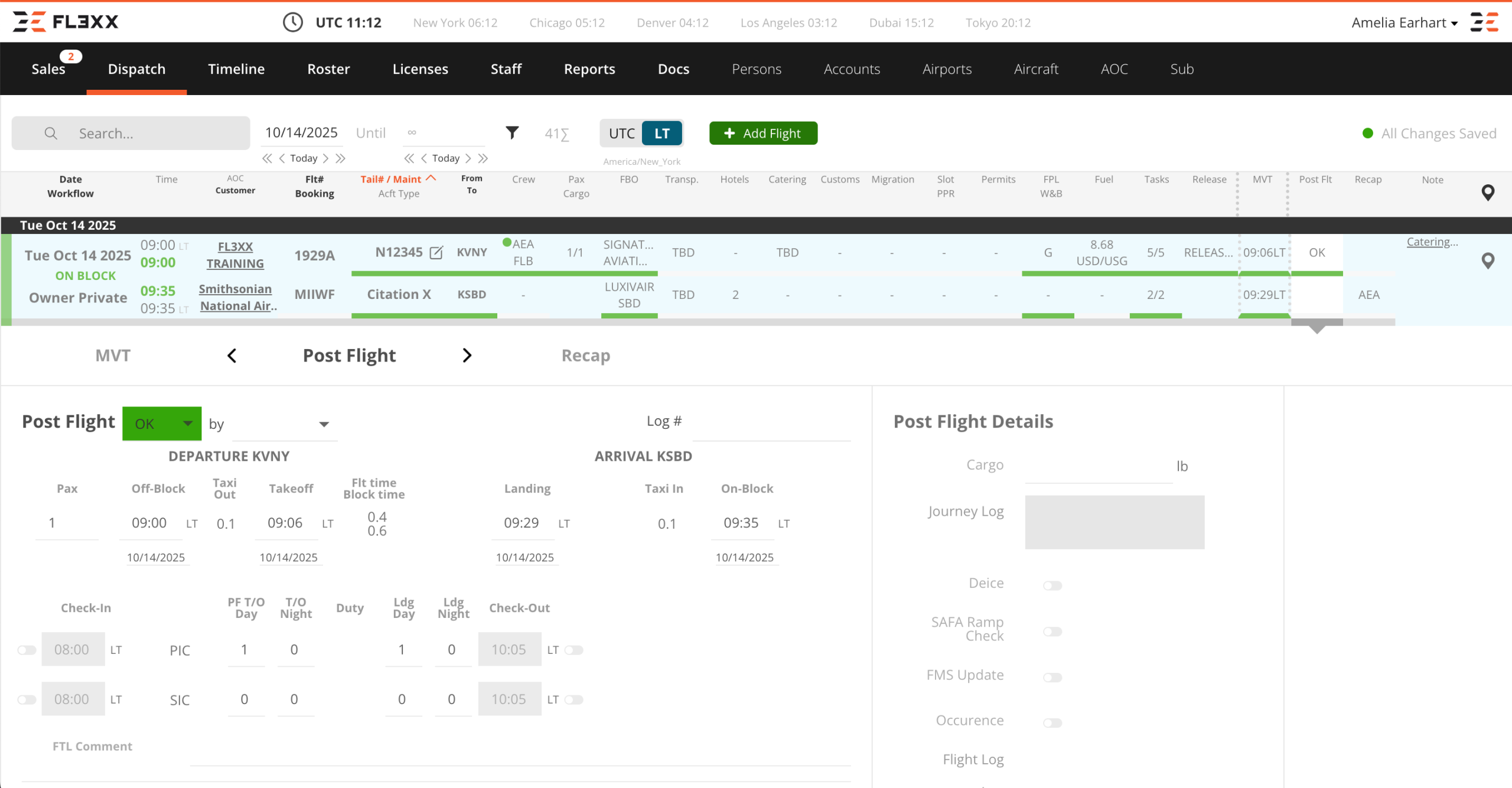
- Take action in the Flight Strip from confirming maintenance status, assigning crew, selecting ground handing, order fuel, and releasing flights
- Configure custom checklist items in the Task Manager
Course Features
- Lectures 6
- Quizzes 1
- Duration Lifetime access
- Skill level All levels
- Language English
- Students 151
- Certificate No
- Assessments Self
Curriculum
- 1 Section
- 6 Lessons
- Lifetime
Expand all sectionsCollapse all sections
- Operations Initial Training7
- 1.1Ops Initial Training | The Flight Strip: An Overview13 Minutes
- 1.2Ops Initial Training | FL3XX Familiarization: Timeline versus Dispatch4 Minutes
- 1.3Ops Initial Training | Dispatch: Add Flight3 Minutes
- 1.4Ops Initial Training | Flight Following4 Minutes
- 1.5Ops Initial Training | Flight Strip: Delaying a Flight3 Minutes
- 1.6Ops Initial Training | Flight Strip: Tasks5 Minutes
- 1.7Ops Initial Training | Quiz20 Minutes10 Questions